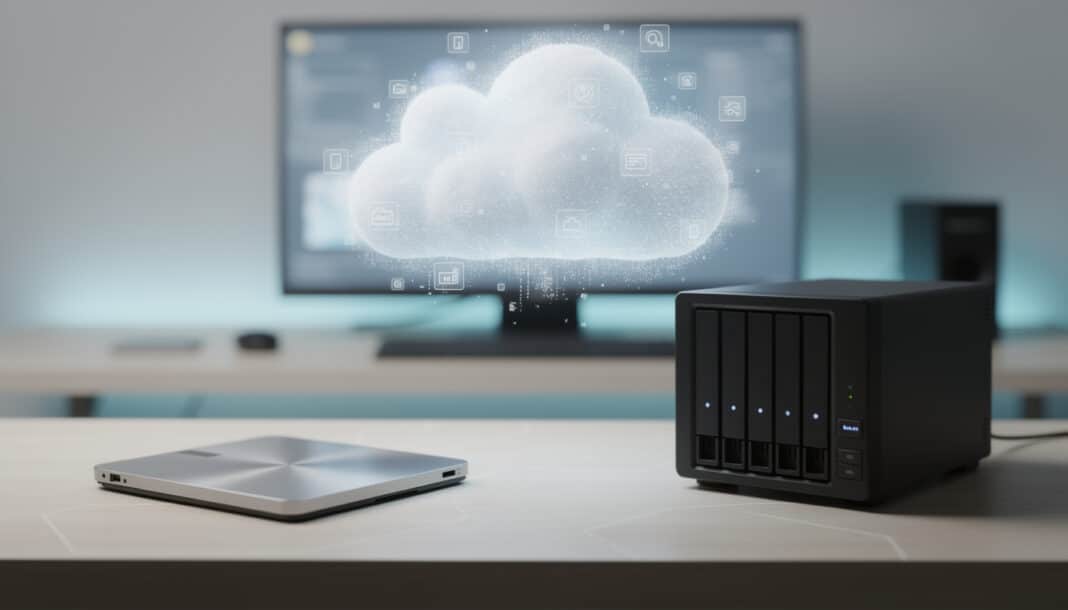
📊 In short — Choosing a storage solution depends on your real needs: capacity, budget, security, and accessibility. The cloud offers simplicity and flexibility, while a NAS provides better long-term value and full control of your data. SSDs excel in speed but are better suited for internal storage. A hybrid strategy, combining multiple solutions, remains the most resilient against unforeseen events.
📝 Brief — With the explosion of personal and professional data, choosing the right storage medium is no longer a trivial technical question: it's an act of responsibility toward your information. Between NAS servers that restore a form of digital sovereignty, cloud services that promise limitless accessibility, and ultra-fast SSDs, each option carries its own philosophy. This guide explores the real advantages, hidden limitations, and sustainable strategies to protect what truly matters.
🎯 Why storage choice shapes your relationship with data
Before locking yourself into a cold comparison of gigabytes and euros, you must understand a simple truth: choosing where to store your data is choosing the relationship you maintain with it. Like a binding that protects and preserves a precious manuscript, the storage solution you select becomes the silent guardian of your digital memory.
Storage is not just about capacity. It's a matter of trust, permanence, and control. Your family photos, professional projects, and personal archives deserve much more than a simple place to put them. They deserve a space that is thoughtful, secure, and aligned with your way of living.
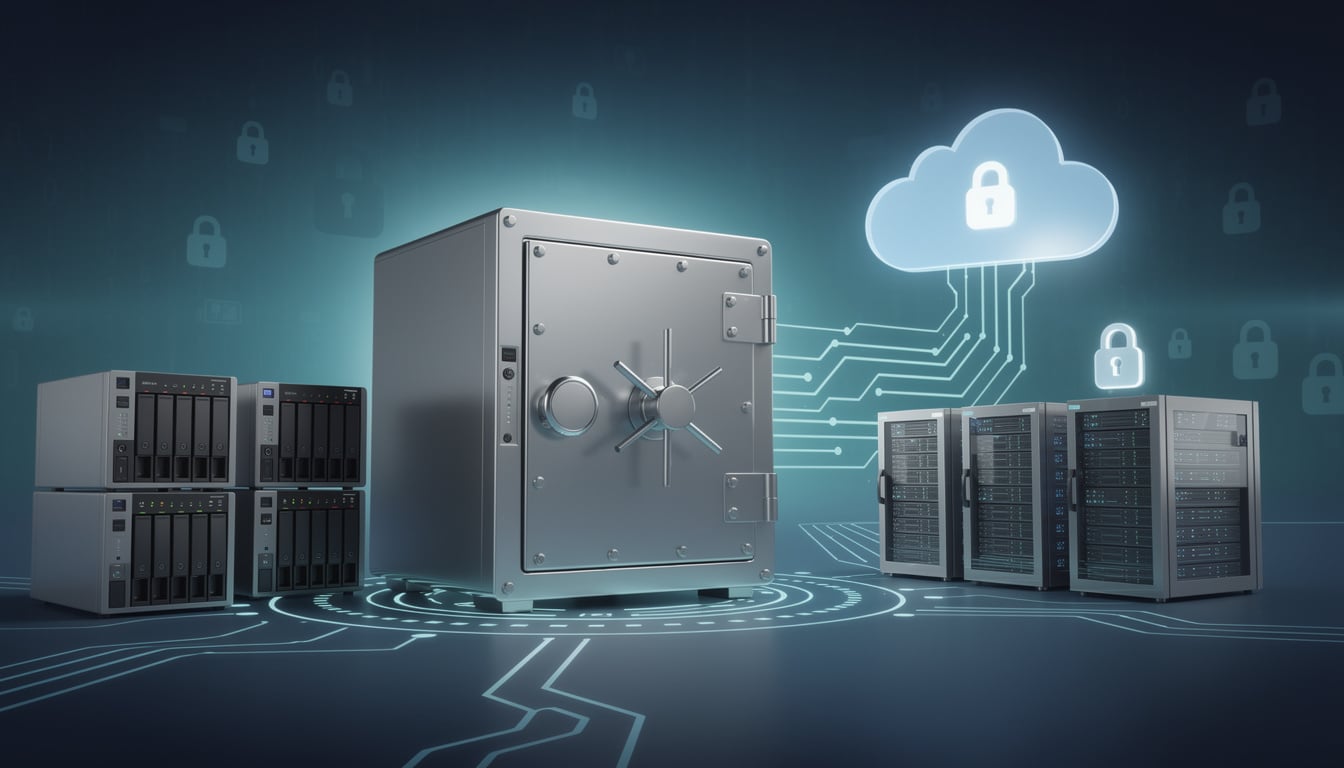
🏠 NAS: taking back control of your data
Storage capacity that adapts to your ambitions
Unlike subscription cloud services that lock you into strict limits, a NAS (Network Attached Storage) grows with your needs. Where iCloud caps at 2 TB for under 10 euros per month, and Google One climbs to 150 euros for 30 TB, a physical NAS can accumulate hundreds of terabytes.
Take a modest four-bay enclosure: equip it with four 20 TB drives each, and you already have 80 TB of raw storage. Scaling only requires one thing: adding a larger drive or connecting an expansion unit. It's the logic of an artisan enlarging their workshop as orders come in, without relying on a third party.
Security within your four walls
A NAS connected only to your local network, isolated from the Internet, creates a digital fortress that remote hackers cannot reach. No data transmitted across global cables, no external servers to hack, no web vulnerabilities to exploit. The comparison between NAS and cloud reveals this fundamental distinction: you become the sole person responsible for your data.
Of course, this control requires discipline: you must maintain the system, manage backups, and understand basic networking. It's less comfortable than entrusting everything to a cloud giant, but infinitely more reassuring for those who want to retain control.
Transfer speeds that change the game
On a gigabit local network, transfer speeds become nearly instantaneous compared to a typical Internet connection. Copying movies, video projects, or complete archives takes minutes instead of hours. This responsiveness profoundly alters your workflow, especially in a professional or creative context.
☁️ The cloud: freedom without constraints
Start without heavy investment
The cloud requires no technical installation. A monthly or annual subscription, an app, and it's already accessible everywhere. This approach suits people who neither have the time nor the desire to become a system administrator at home.
For moderate use — a few GB of files, occasional backups — the cloud remains economical. OneDrive offers 1 TB at 69 euros per year, a reasonable entry-level option for many. It's like renting a small storage unit instead of buying a house: efficient if your needs remain limited.
Accessibility without geographical limits
Your data follows you everywhere: office, travel, on mobile, from any connected device. This ubiquity is valuable for collaborative work and modern flexibility. A project in progress, shareable instantly with colleagues, available on all screens.
Cloud services also shine in cross-platform compatibility. Sure, iCloud works better within the Apple ecosystem and OneDrive with Windows, but no solution is exclusively locked.
Resilience to disasters
Fire, flood, prolonged power outage: your physical NAS can be wiped out. Cloud data centers, however, are armed against these scenarios. Triple redundancy, geographically distributed backups, automatic failover equipment. It is statistically almost impossible for a cloud provider to lose your data.
It's a massive argument for anyone who fears natural disasters or instability of their local power supply.
💾 SSDs: speed as a philosophy
Extreme performance and responsiveness
An internal SSD transforms a computer's user experience. Boot times in seconds, instant application loads, smoothness without slowdowns. Unlike old mechanical hard drives, SSDs have no moving parts — hence this unprecedented speed.
But beware: SSDs shine for active storage, working storage. For archiving hundreds of gigabytes of cold data, it's not the most economical solution. Understanding backup media requires distinguishing uses: immediate speed or long-term savings.
The hidden limits of SSDs
An external SSD can be convenient for transporting large projects. Except it remains vulnerable to shocks, wear, and corrosion. And if you need it for multiple computers or multiple users simultaneously, you'll have to multiply the devices — costs quickly soar.
Also, repeated writes on an SSD gradually wear out memory cells. A hard drive can survive two decades; an SSD begins to show wear after 5 to 10 years of intensive use.
🔀 Building a hybrid strategy that holds up
The 3-2-1 rule: all-risk insurance
Instead of asking yourself “which one to choose”, ask the question differently: “how to combine the strengths of each?” The 3-2-1 strategy offers a solid answer: three total copies of your data, on two different media, one of which is off-site.
Concretely: a NAS as the primary source, an external drive connected at your home, an automated cloud backup every night. If one of the three fails, the other two take over. It's the philosophy of bookbinding: multiple layers of protection ensure the work's longevity.
Automate and forget
The beauty of a NAS is that it can automatically sync your files to the cloud. Each received document first transits locally for speed, then sends to the cloud for safety — all in the background, without intervention.
What you gain is peace of mind. Your data is protected by several nets, each independent. A hacker who compromises the cloud does not have access to the local NAS. A disaster that destroys your home does not erase the remote copies. A comprehensive guide to storage solutions can help you architect this layered protection.
🛡️ Security, privacy and the question of control
Who really owns your data?
With the cloud, you rent space. Terms of use stipulate that the provider can access your data, scan it, analyze your habits. Google does not disclose your secrets to third parties, but its algorithms examine them to refine targeted advertising.
A NAS is different. Your data stays at your place, encrypted locally, inaccessible to anyone else. For sensitive work — medical archives, financial documents, private correspondence — this difference becomes crucial.
The forgotten risks of the cloud
A cloud service can disappear. Dropbox closed its home sync product years ago. Servers can be victims of attacks. Data can be recovered through security breaches. No giant is invincible: data leaks affect even the biggest names.
Conversely, a NAS on your local network, without external Internet access, drastically reduces this attack surface. A potential enemy must be physically present at your place, which changes the probabilities significantly.
💰 Real costs: far beyond the sticker price
NAS: expensive upfront, economical later
A decent NAS costs between 200 and 600 euros depending on capacity. Add hard drives — 80 to 150 euros per terabyte — and the budget rises. An initial setup can reach 1500 euros for a serious configuration.
But look at the balance over 5 years. The cloud will cost you between 600 and 1800 euros over that period (not counting price increases). The NAS, on the other hand, is free after its depreciation. And in ten years? Cloud costs will continue to rise while the NAS will still belong to you.
The cloud: accessible now, costly tomorrow
The economics of the cloud rely on this principle: recurring payments, small at first, cumulative over time. One euro per month seems harmless, but that's 12 euros per year, 120 over ten years. Multiply by several services — iCloud, OneDrive, Google One — and you feed a perpetual rental model.
No technical surprises await you with the cloud, certainly. But the financial surprise accumulates silently, year after year.
🎯 Choose according to your reality
You are a creative or a professional
Video files, large projects, client archives: a NAS is imperative. Coupled with an internal SSD for active work and a cloud backup, you have a worthy infrastructure. Local transfer speeds accelerate your productivity, and your data remains shielded from external eyes.
You travel constantly
The cloud then becomes your friend. Access from any device, anywhere, seamless synchronization. A supplement via a USB external drive offers an extra layer of security, but the cloud takes precedence here for geographic flexibility.
You are a business or an organization
Professional storage solutions require a different approach. A central NAS, cloud backups, possibly a second NAS at another site — redundancy becomes non-negotiable. Your business data are worth too much to accept the slightest risk.
You have little space, little budget
An affordable cloud service — Google One or Microsoft OneDrive — is sufficient. No hardware to manage, no technical knowledge required. A sensible solution for those who do not accumulate hundreds of gigabytes daily.
🔄 Think in terms of an ecosystem, not an isolated product
The question “NAS or cloud” is poorly posed. The real question is: “how to protect what matters to me?” And the answer often involves a combination. A NAS for speed and control. A cloud for resilience and accessibility. Maybe an external SSD for portability.
Each layer brings what the others cannot offer. It's like old bindings: multiple materials, multiple techniques, each reinforcing the others. Leather, paper, thread, glue — none alone is sufficient, but together they create something durable.
In 2026, data accumulates faster than ever. Your approach to storage must be as nuanced as your life itself. Discover the differences between internal storage and NAS can clarify your initial choice. Then build, layer by layer, a protection that reflects you.
Because in the end, the best storage buying guide is the one that understands your data are not just occupied space, but the very substance of your digital memory. They deserve better than compromises — they deserve a strategy.
Profil de l'auteur
Derniers articles
 Electricity, Gas & Energy14 September 2026Gaz et électricité : ce que la hausse des tarifs va changer sur votre facture
- Agency, Webmarketing & SEO12 September 2026Fusion Omnicom-IPG : ce que la plus grande agence de publicité au monde change pour les marques
- Retirement & Senior Living10 September 2026Carte Avantage Senior SNCF : comment voyager moins cher en train après 60 ans
- Tech & Multimedia8 September 2026Objets connectés : la fin de la 2G et le nouveau Data Act vont rebattre les cartes




Table of Contents