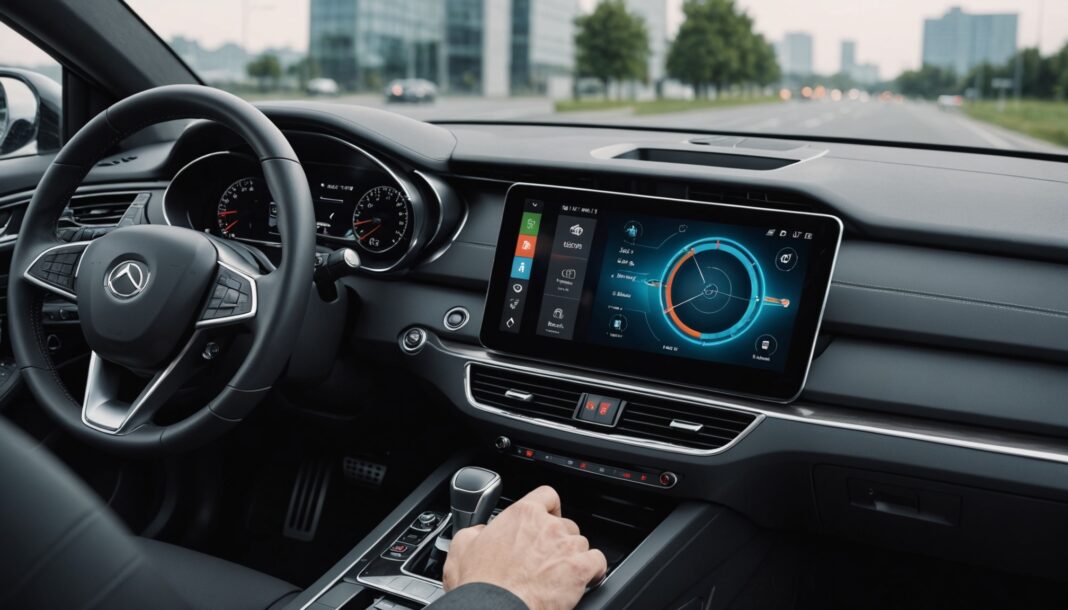
Google has begun rolling out Android Auto 18.0 as a stable release, bringing with it the first foundations of an internal redesign called Cielo. Behind that name lies the future look of the dashboard screen for millions of drivers who connect their phone to their car, and a way of designing the interface that differs noticeably from the approach Apple chose for CarPlay.
What actually changes with this update
Android Auto's stable 18.0 release doesn't yet roll out the full Cielo interface, but it does lay the technical groundwork for it. Several new features are already active for users:
- A new variable typeface, Google Sans Flex, which is gradually replacing older visual elements
- Native quick settings for Samsung One UI phones, accessible directly from the car's screen
- Visible and controllable management of the Work Profile while driving
- The gradual phase-out of the old “Coolwalk” screens, the interface used until now
An approach different from Apple CarPlay's
The most interesting angle of this redesign isn't aesthetic but strategic. Where Apple, with CarPlay, chose to move widgets into a separate panel from the main screen, Google appears to want to keep them side by side with the main navigation and media functions. This choice reflects a different philosophy: keeping as much information visible at a glance as possible, rather than multiplying the screens drivers need to check while driving. It remains to be seen whether this density of information will stay compatible with road safety requirements, an already sensitive subject for French drivers, as the recent tightening of penalties for smartphone use while driving reminds us.
Deeper integration of Gemini
Beyond the interface itself, Android Auto 18 is also preparing a deeper integration of the Gemini AI assistant inside the car, continuing Google's efforts to roll out its generative AI across all of its platforms, from its search engine to smartphone compatibility with the latest versions of Android. For users, this should translate into more natural voice commands and a better understanding of driving context, without needing to switch phones.
Who can already take advantage of it
The rollout of the stable 18.0 version is happening gradually across production channels, which means not all users will see the new features at the same time. The full Cielo redesign, meanwhile, isn't active yet: it will likely require several additional updates before reaching the full base of compatible smartphones, a topic that recent news about smartphone lifespans has made users follow all the more closely.
Frequently Asked Questions
Do you need a recent car to use Android Auto 18?
No: Android Auto works through a simple connection between the smartphone and the vehicle's screen, whether wired or wireless. It's the system version on the phone that determines access to new features, not how old the car is.
Is the Cielo interface already visible to everyone?
No. The stable 18.0 release only lays the technical groundwork for Cielo; the full visual redesign will be rolled out gradually in upcoming updates.
Does this update change safety while driving?
Google presents these changes as designed to reduce the time spent navigating between screens, but no independent assessment of road safety has been published at this stage.
Sources
Android Authority — AndroidSage — Clubic
Profil de l'auteur
Derniers articles
 DIY & Troubleshooting18 November 2026Dexter Sander Recall 2026: What Leroy Merlin and Weldom Customers Need to Know Before Using It
- Restaurants, Drinks & Food18 November 2026Flexitarianism in France: Less Meat on the Plate, but Not for the Reasons You'd Think
- Home Appliances & Equipment18 November 2026Washing Machine, Oven, Dishwasher: Which Brand to Choose for Appliances That Last?
- Nutrition, Diet & Weight Loss18 November 2026Pancreatic Fat: The Diet That May Help Reduce It




Trending now on legal streaming
FilmSacrifice
SeriesCarrie
This article was written with the help of artificial intelligence. Editorial policy
Table of Contents