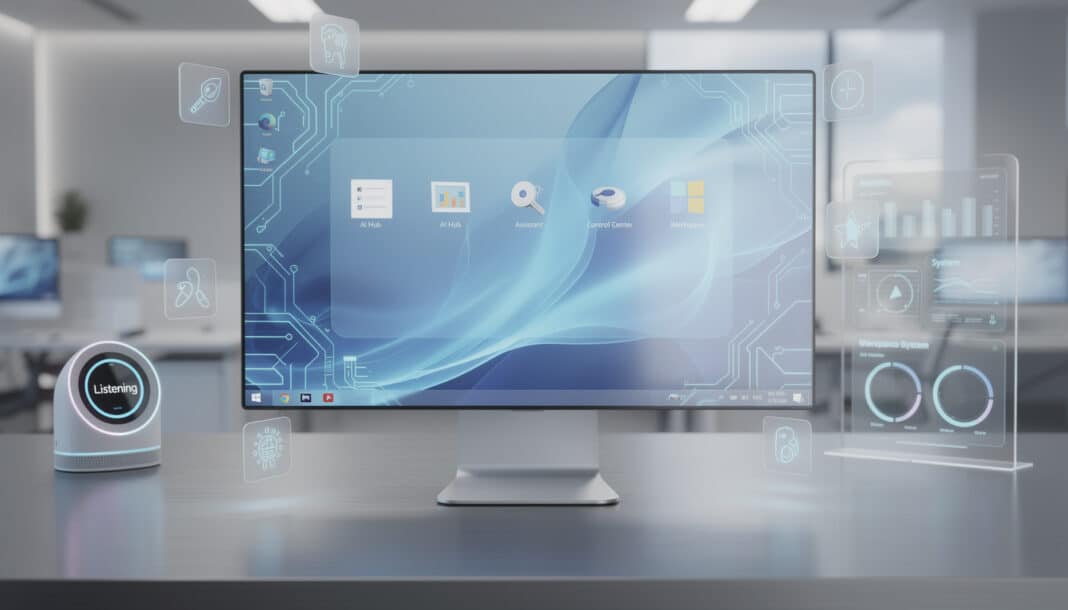
Windows 12 is shaping up to be a profound transformation of Microsoft's operating system, where artificial intelligence becomes a central element rather than a peripheral one. Since 2024, Redmond has been quietly working on a major overhaul that should mark the arrival of a new generation of OS. The stated ambitions go far beyond a simple cosmetic update: modular architecture, hardware acceleration via neural processing units (NPU), proactive Copilot features in Office and Teams, enhanced security with native multifactor authentication. It's an existential pivot for an operating system that has dominated the desktop market for three decades.
📌 Key points to remember:
🤖 Deep integration of Copilot and contextual artificial intelligence to boost productivity
⚡ Optimization of local NPUs to accelerate AI model execution without relying on the cloud
🔒 Native security enhancements with multifactor authentication and OneDrive encryption
🎮 Significant improvements for gaming and cloud gaming, notably through Xbox compatibility
🏗️ A modular CorePC architecture enabling smoother and more secure updates
💻 Evolving hardware requirements, favoring modern processors equipped with AI chips
🧠 Artificial intelligence at the heart of Windows 12: a philosophical overhaul
For years, AI has been added to Windows as an external layer, an expected supplement but rarely woven into the fabric of the system itself. Windows 12 fundamentally changes this approach. It's not Copilot being added to Windows; it's Windows becoming a system designed around AI capabilities.
This distinction may seem subtle, but it resonates like the difference between adding a blank page to a bound book and rethinking the entire structure of that volume. Microsoft's developers envision a native integration of artificial intelligence, where every component of the system—from the file manager to the disk explorer—can understand, anticipate, and assist the user contextually.
This shift forces a rethink of the very architecture of the operating system. Rumors converge on an approach where Copilot becomes agentic, capable of performing autonomous actions based on the user's habits. Imagine an assistant that not only answers your questions but optimizes your workspace before you even ask for it.
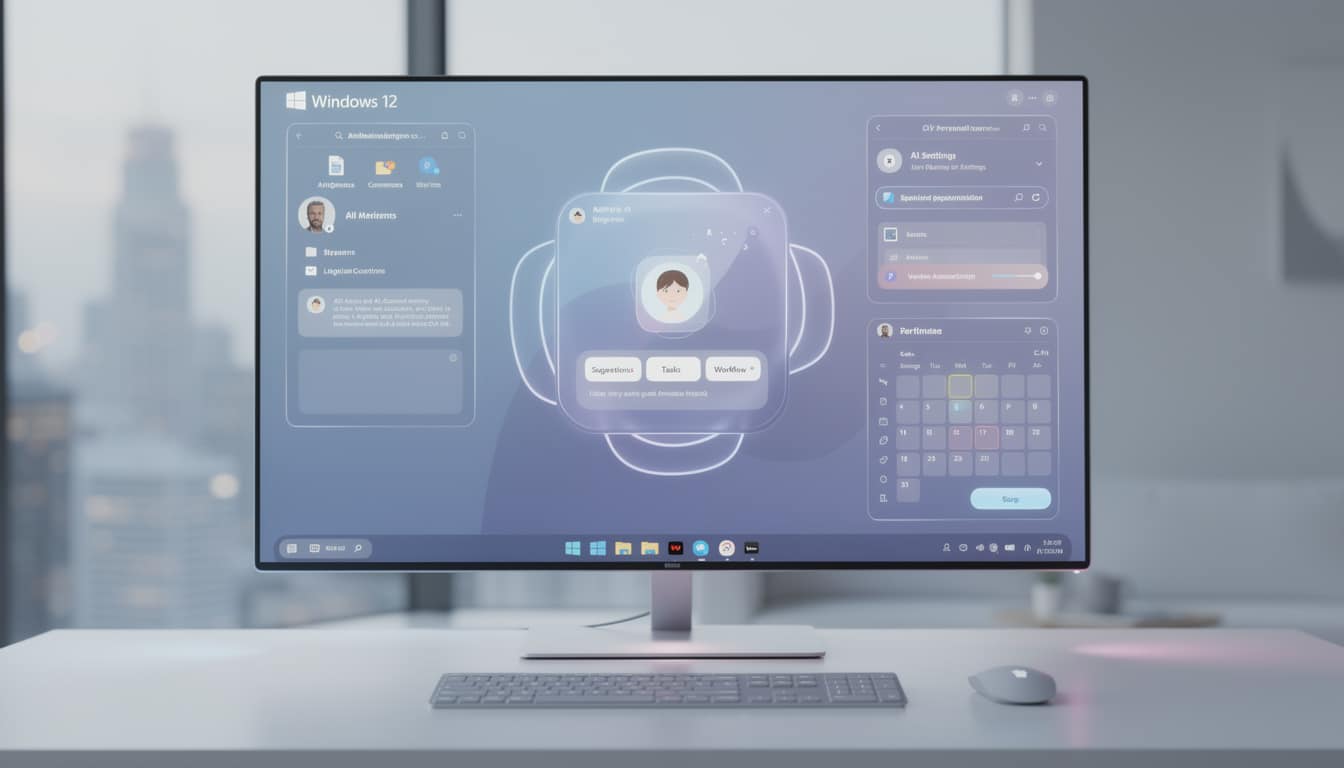
Copilot agentic: the assistant that anticipates
The next iteration of Copilot will no longer be reactive, but proactive. In Office, for example, the assistant could automatically summarize a Teams meeting as soon as it ends, suggest follow-up actions, or structure notes according to your personal work habits. For many professional users, this evolution represents a considerable time saver—not minutes, but hours each week.
Accounts collected from internal testers reveal that this feature could quickly become indispensable. One user reports: “I use Copilot to summarize meetings and save time, the tool quickly becomes indispensable.” This observation is telling: it shows how a well-thought-out new feature can transform daily rituals.
But this power comes at a price. For Copilot to truly operate agentically, the system must understand your immediate context without constantly asking for permission. This raises obvious questions around privacy and trust—issues Microsoft will absolutely need to clarify before launch.
⚙️ NPU and hardware optimization: when silicon becomes smart
If AI is the software heart, neural processing units (NPU) are its physical core. These specialized components, integrated into modern processors from Intel (Meteor Lake and beyond) and AMD (Ryzen AI), enable running AI models locally without calling on cloud servers.
This technical distinction has profound implications. Running AI locally means less latency, more privacy, and a smooth experience even without a stable Internet connection. According to the in-depth analyses from Tom's Hardware on Windows 12, Microsoft is aiming for native exploitation of NPUs to drastically reduce these delays for embedded AI tasks.
A developer testing an internal build reports a tangible improvement: “I tested an internal build that uses the NPU for video rendering, the smoothness was noticeably improved.” This kind of gain—unseen to the eye but felt instinctively—forms the very essence of what Microsoft seeks to deliver.
🔌 Native NPU support and optimized power management
Windows 12 will require truly native exploitation of NPUs. That means manufacturers will have to rewrite their drivers and firmware to fully leverage these units. It's no small task: it will force Intel, AMD, Qualcomm and others to align their efforts with Microsoft's priorities.
For laptop users—particularly owners of Surface devices and partner ultrabooks—this optimization is crucial. Improved power management means better battery life. Rumors suggest strengthened GPU interoperability for certified drivers, ensuring greater stability.
The vision is clear: an ecosystem where hardware and software work in perfect harmony, each getting the best out of the other. It's an approach that recalls Apple's strategy with its in-house Silicon, but applied to the entire PC market.
🎮 Gaming and cloud gaming: a quiet revolution
For gamers, Windows 12 promises a significant reduction in latency, intelligent supersampling and deeper Xbox Cloud integration. Unified APIs for FSR (FidelityFX Super Resolution), DLSS (Deep Learning Super Sampling) and XeSS (Intel's Xe Super Sampling) could transform game development by simplifying the use of these upscaling technologies.
The potential of artificial intelligence in the gaming industry goes far beyond graphical improvements. We're talking about generative AI to create dynamic game worlds, more believable non-player characters and truly personalized experiences for each player.
🔐 Enhanced security: a reinvented fortress
Security in Windows 12 is not an add-on module; it's a transversal dimension integrated at the core of the architecture. Microsoft is working on native multifactor authentication, advanced sandboxes and AI-driven threat analyses, reducing dependence on third-party tools.
This centralized approach offers a strategic advantage: it unifies threat oversight. An enterprise IT manager says: “In business, the ability to enable a native MFA simplifies our access management a lot.” For large organizations, this simplification represents not only a security gain but also an operational cost reduction.
🛡️ Multifactor authentication and native encryption
Windows 12 will introduce native MFA for Microsoft and Azure accounts, coupled with strengthened biometrics for Surface laptops. OneDrive encryption will be systematic, as will secure backups. Dynamic permissions will allow the system to respond automatically to detected threats.
What strikes in this approach is that it removes a layer of abstraction. Instead of encrypting *after the fact*, the system encrypts *by default*. It's a security philosophy where protection is not an option, but a foundation.
To explore the issues of data protection and artificial intelligence further, Microsoft acknowledges that AI itself poses new risks. Hence the importance of security designed at every layer of the system.
🏗️ CorePC architecture: regained modularity and flexibility
The CorePC concept is one of the most ambitious shifts. By separating the system layer from user data via distinct partitions, Windows 12 not only simplifies updates but also enables secure rollbacks in case of issues. It's a major architectural change that echoes the principles of immutability in computing.
For OEMs and system administrators, this modularity opens doors. Updates become faster, installations more targeted. An IT administrator can deploy a specialized version of Windows 12 without traversing the entire system stack—a luxury until now reserved for Linux systems.
📦 Modular deployment and smooth updates
This evolution could partially drop Win32 support on certain editions, favoring more modern APIs instead. It's a delicate transition, because Win32 is the backbone of decades of Windows software. But it's also a necessity to build a more secure and performant system.
Developers who have tested pre-release versions report that updates now take a few minutes instead of tens. That may seem marginal, but for an IT fleet of thousands of machines, it's a revolution in management terms.
💻 Hardware compatibility and evolving requirements
Compatibility is the crux of the matter for any mainstream operating system. Windows 12 will have to run on millions of heterogeneous machines while demanding enough power to deliver the promised experiences.
Rumors point to more demanding prerequisites to fully leverage AI features. Intel's Meteor Lake processors and AMD's Ryzen AI offerings are cited as references. Qualcomm, with its Snapdragon chips for ARM, represents the other side of the strategy—expanding the ARM-based ecosystem for ultraportables.
🖥️ Recommended hardware profiles and OEM optimizations
While minimum requirements will remain close to Windows 11, *recommended* requirements will change significantly. For an optimal experience, a TPM 2.0, NPU/GPU certified drivers and an AI-capable processor will be almost indispensable. Manufacturers like Surface and Dell will likely receive strict guidelines to optimize their machines.
This differentiation—between “it works” and “it's smooth”—is not new in computing. But with Windows 12, it becomes more pronounced. A user equipped with AI-ready hardware will experience a radically different experience than a user with legacy hardware.
🌍 Extended ARM support and cross-platform portability
Microsoft is seriously considering opening the ARM ecosystem beyond Qualcomm. MediaTek and other partners could join the dance, broadening the offer of performant and competitive ARM laptops. According to Generation Multimedia, this ARM strategy is crucial to conquer the low-cost ultrabook segment.
ARM is about energy efficiency. At a time when battery life becomes a major selling point, this orientation is not anecdotal. It signals that Microsoft envisions Windows 12 not only for desktops, but also for hybrid tablets and ultra-thin laptops.
🎨 User interface: aesthetic and functional evolution
Visually, Windows 12 promises a floating taskbar with a sleek, minimalist design reminiscent of macOS aesthetics. It's not a copy; it's an acknowledgment that certain design principles work universally. The reorganization of system icons will offer a more modern and visually coherent layout.
But the interface is changing not just for style. It changes to reflect a new philosophy: that of a system where AI is not hidden in the background, but visible, integrated, accessible. Menus and dialogs will likely be reorganized to put AI capabilities front and center.
✨ Floating design and visual coherence
The floating taskbar is not just a cosmetic gimmick. By detaching it from the bottom of the screen, Windows 12 frees up space and offers unprecedented flexibility for those using complex multi-monitor setups. It's particularly useful for creatives and developers.
The Start menu will also receive revisions, bringing it closer to the format appreciated in Windows 10, as criticisms of the current design have accumulated. Microsoft seems to be listening. A new messaging app unifying Teams and Skype will simplify communication—a feature many have been waiting for.
📅 Launch timeline and transition from Windows 11
Although earlier rumors pointed to late 2024, Microsoft has clarified its vision: a major Windows 11 update (24H2) will serve as a prelude. This pushes the likely arrival of Windows 12 to 2025, probably in October, coinciding with the end of Windows 10 support. It's a considered strategy, consolidating Windows 11 first before the big leap.
For current users, the transition will be smooth. Windows 12 will be free for those holding an active Windows 11 license. It's a continuity policy Microsoft has maintained since Windows 10—a stroke of commercial genius that helped drive rapid adoption.
🔄 Free migration and installation options
Users will be able to upgrade easily via Windows Update. Those preferring a clean install can use external storage media. This flexibility ensures that everyone—novice or expert—can find their path to Windows 12.
Full technical details on the new features and compatibility will continue to become clearer as we approach launch. For now, what emerges is a clear vision: Windows 12 is not a cosmetic update, but a reinvention.
This journey toward Windows 12 feels like an artisan restoring an old object with modern tools. The essence is kept—the reliability, the compatibility, the familiarity—but every seam, every joint, every connection is redesigned so everything works harmoniously. Artificial intelligence is no longer a bolted-on feature; it becomes the mortar that holds the whole building together.
Profil de l'auteur
Derniers articles
 Smartphones & Mobile Phones14 October 2026The loyalty penalty on your mobile bill: why staying put costs you more
- Family, Babies & Children5 October 2026Airline family seating fees: what the planned ban will change for parents
- Everyday Life & Society23 September 2026Consumer confidence index: what the monthly mood check on British households really measures
- Agency, Webmarketing & SEO31 August 2026SEO : a Google bug skews visibility statistics in AI results




Table of Contents